
A Practical Handbook for Data Centre Technicians
From your first day to a tidy, tested installation. Written for people who are new to the work, and free to download.
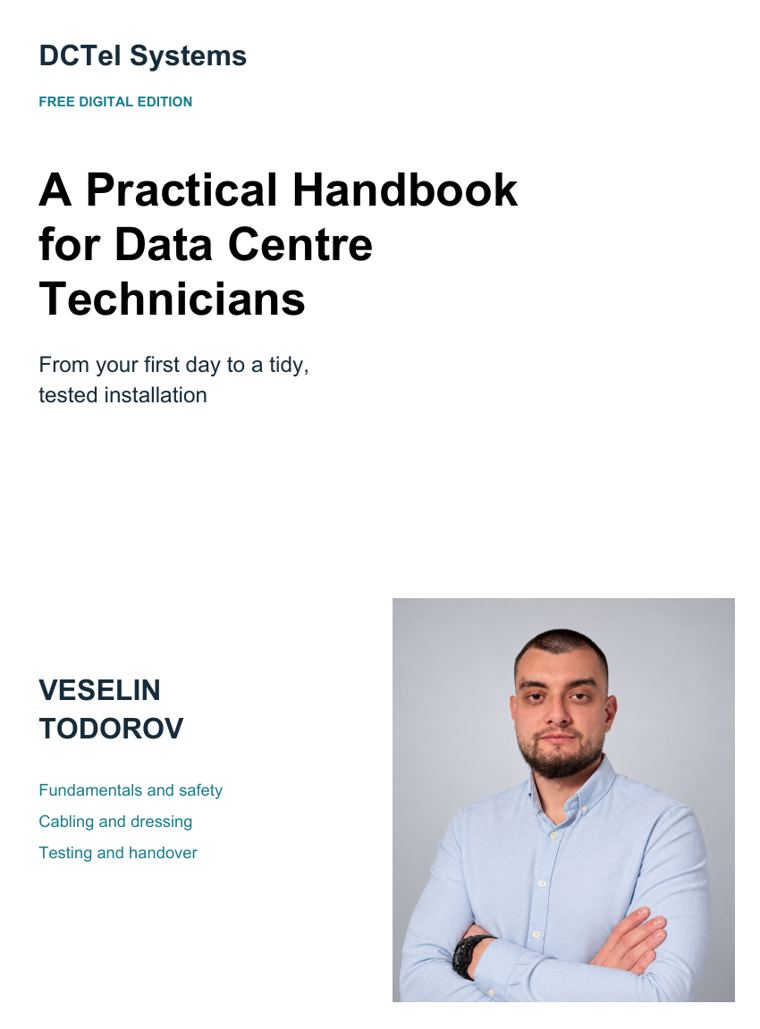
Who it is for
New technicians
Arrive prepared. Learn what the terms mean, what to check and when to stop and ask.
Supervisors and contractors
Give every new person the same clear starting point instead of explaining the basics again and again.
Companies that hire crews
See how we expect the work to be done, from the first cable to the handover package.
Why we wrote it
“When training cannot keep pace with the work, mistakes, rework and project delays follow.”
Data centres are built quickly, and large builds often bring together people who have never worked together and were trained in different ways. That is where cables get laid in the wrong order and labels follow different rules.
This handbook gives them one standard: how to read the drawings, lay a cable, dress it, patch it, test it and hand it over. It is the same standard our own crews work to.
What is inside
From build to handover
Where a new installation starts and how it reaches acceptance.
Safety
Clear tasks, the work area, power, overhead trays, heavy equipment, ESD, invisible light and emergencies.
Fundamentals
What a data centre does, racks and rack units, GPU and CPU racks, the meet-me room.
Ports and documentation
Finding the right rack and port, cable schedules, labels and tracing a route.
Cables
Copper, fibre types and connectors, breakouts, polarity and network levels.
Routes and POD cabling
Trays, preparing and laying trunks, drops, waterfalls and keeping groups apart.
Cable dressing
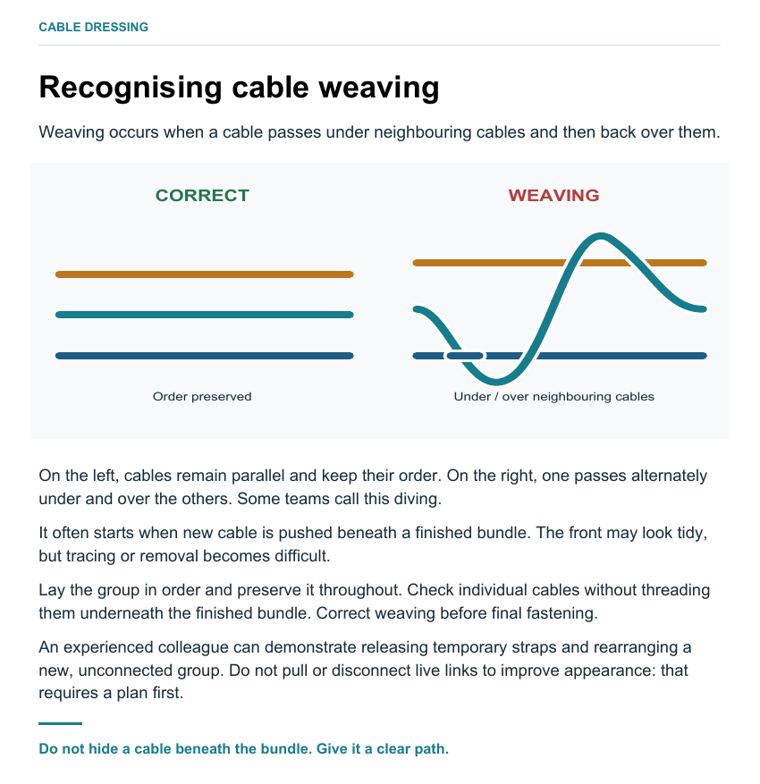
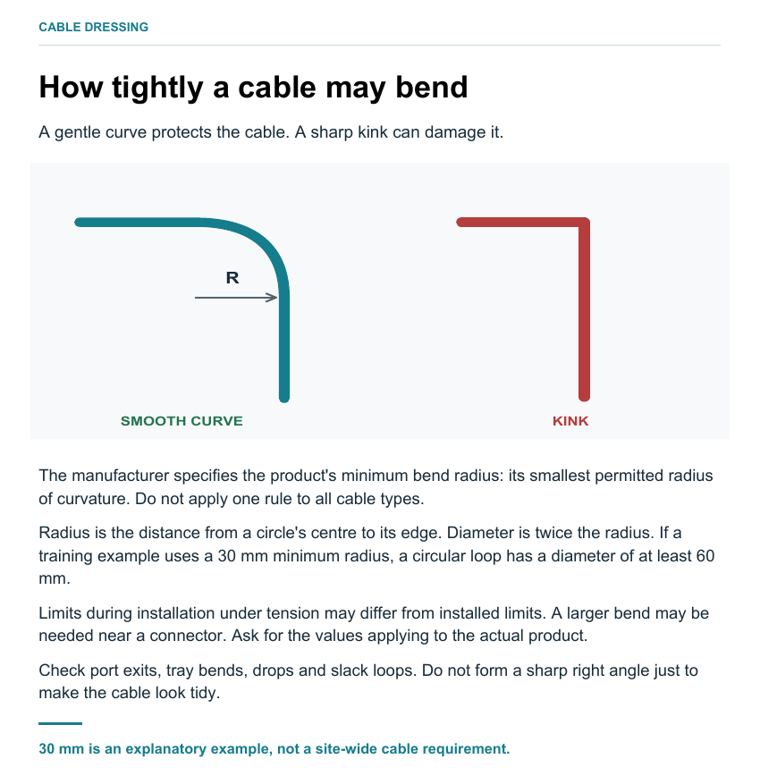
Keeping order, spotting weaving, bend radius, straps and slack.
Patching and live equipment
Inspecting and cleaning fibre, patching copper and fibre, working beside live connections.
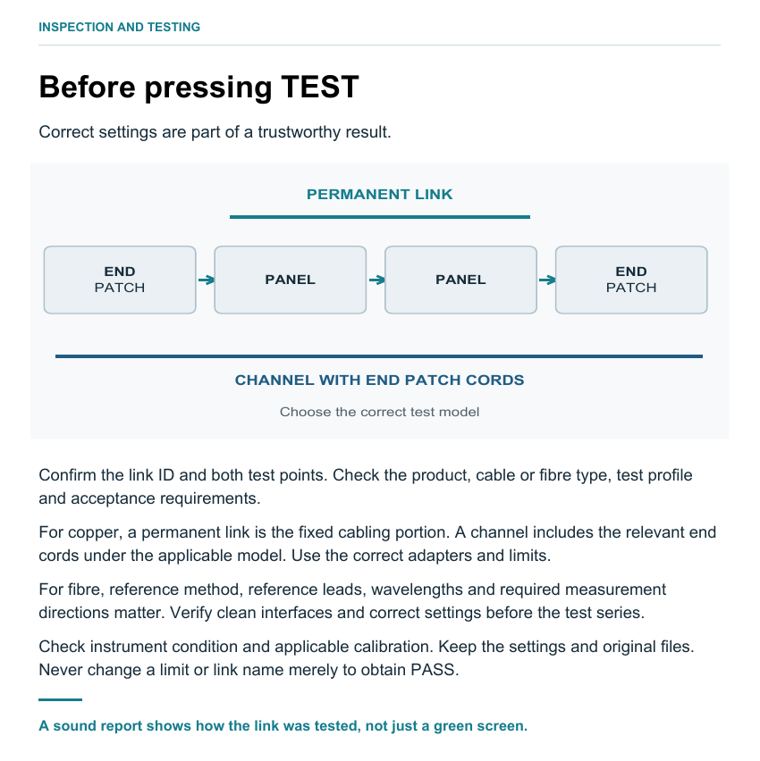
Inspection and testing
How a link is tested, Fluke and other instruments, failures, who checks and who accepts.
On the job
One task from start to finish, shift handover and the handover package.
Training
First-week practice, exercises with a colleague, questions and answers.
Reference
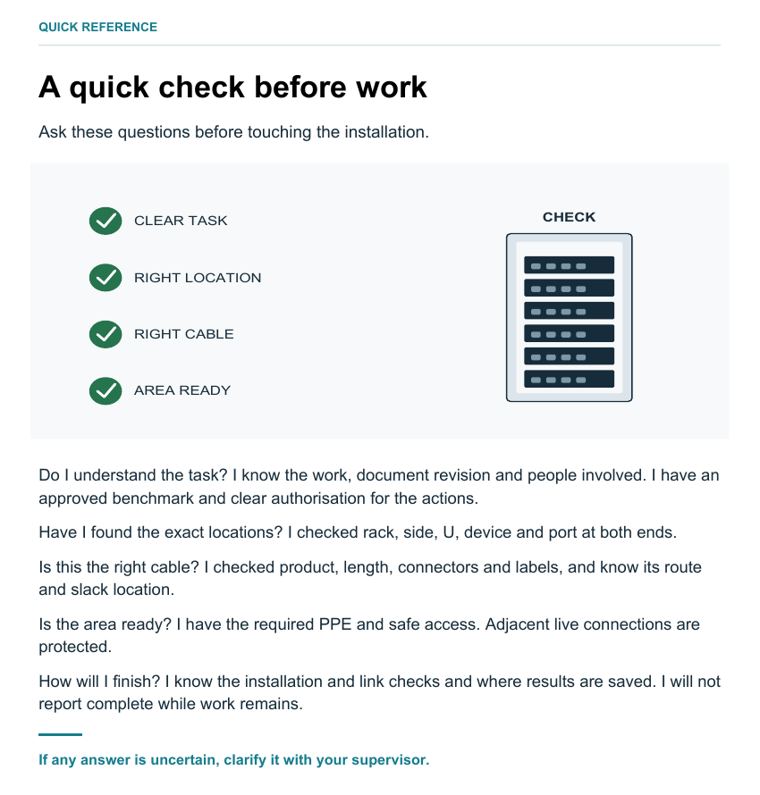
A quick check before work, modern AI halls, a glossary and what you must be shown on site.
A few lines from the handbook
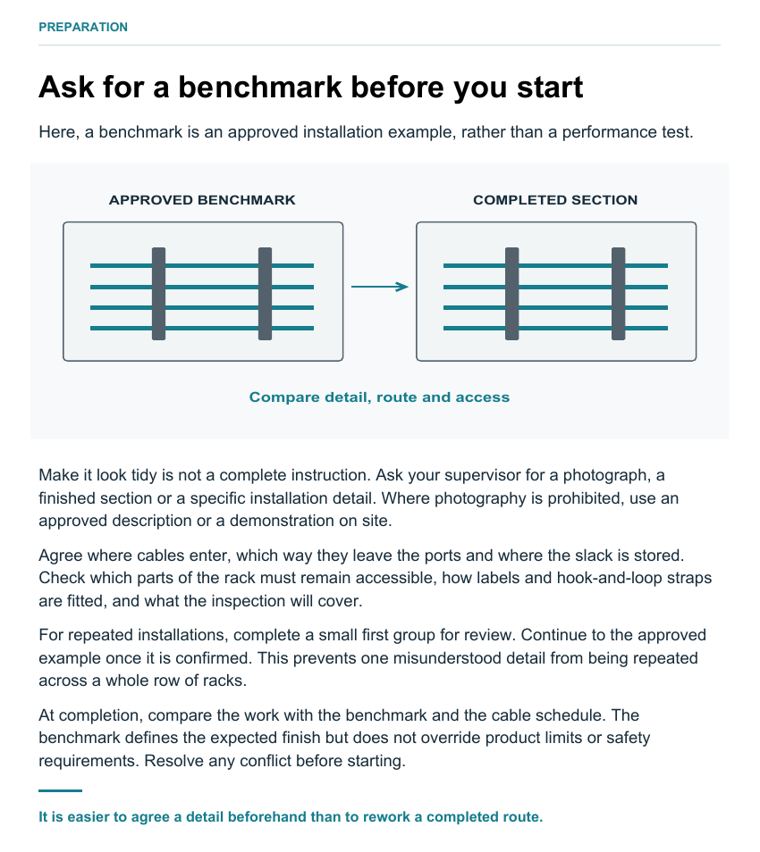
“If two documents give conflicting instructions, show the difference to your supervisor. Do not decide for yourself which one to follow.”“Do not hide a cable beneath the bundle. Give it a clear path.”“Feed the cable under control. Never pull it by its connectors.”“A sound report shows how the link was tested, not just a green screen.”“It is easier to agree a detail beforehand than to rework a completed route.”Look inside
Need more than a book?
We turn this handbook into hands-on training on your site, and we send crews that already work to it. Tell us what you need.